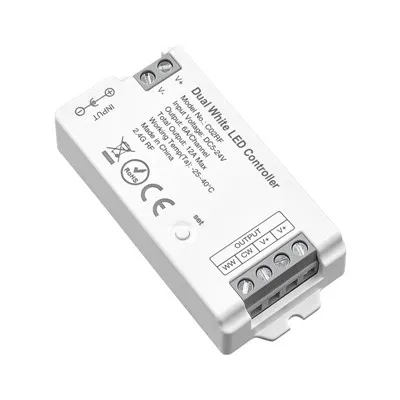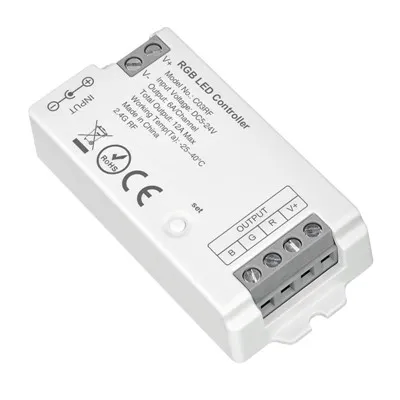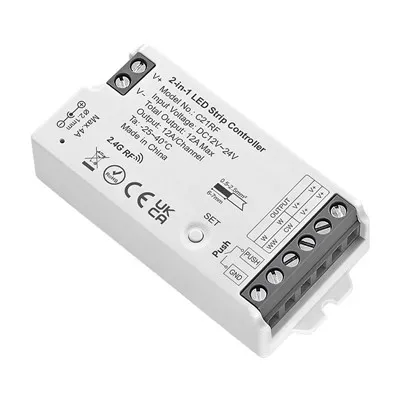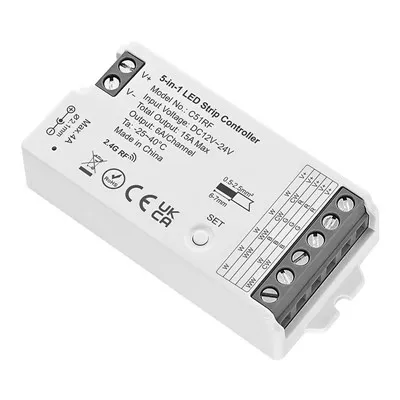



Description
▶It communicates with the remote control via the 2.4 GHz band. The control distance is within 30m.
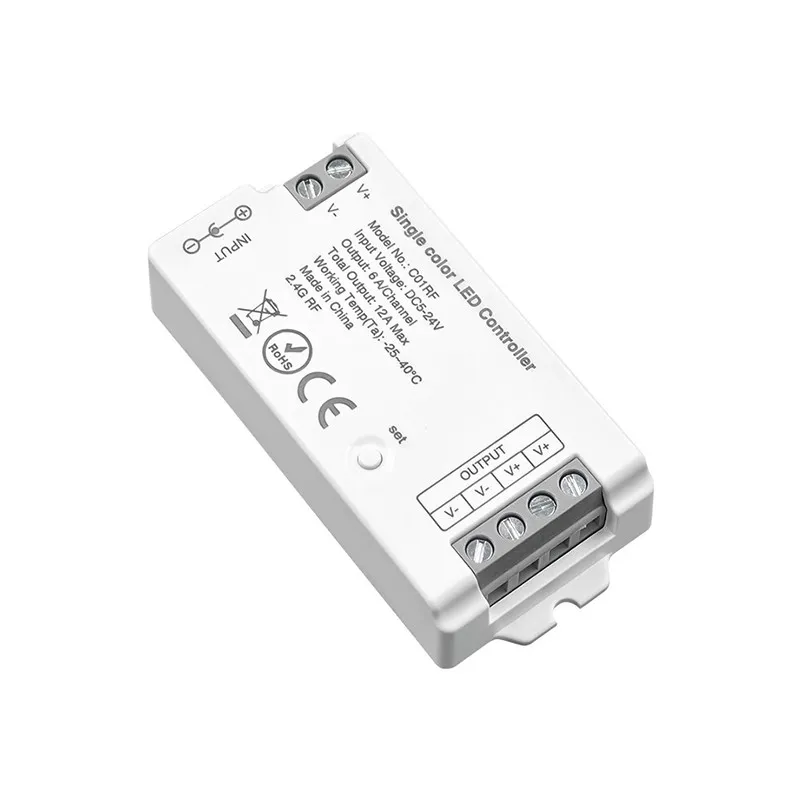
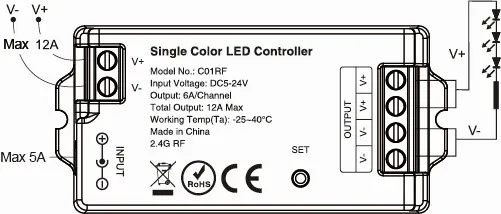
▶Connect to the single-color LED strip. Please refer to the connection diagram on this page.
▶It supports third-party voice control as well as smartphone app control(need Tuya 2.4G gateway).
▶Compatible remote control model no.: RC01RFB, RC07RFB (purchased separately). For more details, please read the remote control detail pages.
Parameters
|
Product Name |
Single Color LED Controller |
|
Model No. |
C01RF |
|
Input Voltage |
DC5-24V(5.5*2.1mm) |
|
Output |
6A/Channel; Total 12A Max |
|
Working Temperature(Ta) |
-25~40°C |
|
Support |
2.4GHz RF |
|
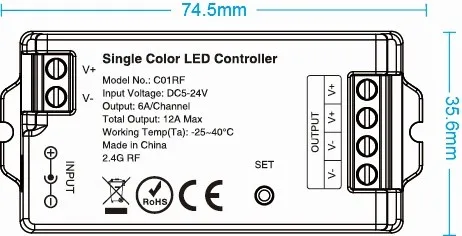
Size |
74.5*35.6*16.5mm |
|
Control Distance |
30M |
Size
Connection diagram
Input Voltage=Output Voltage
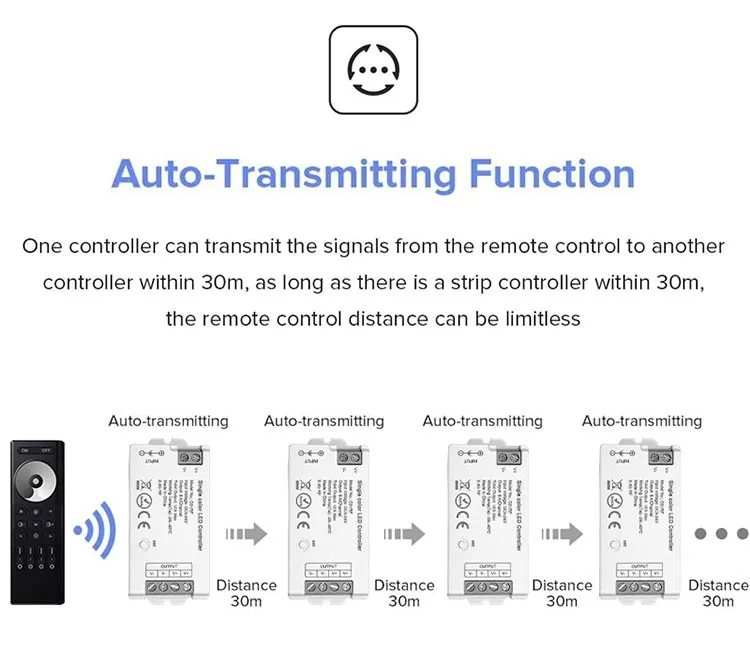
Signal transmitting
One controller can transmit the signals from the remote control to another controller within 30m, as long as there is a controller within 30m,the remote control distance can be limitless.
Linking with remote control
First way:
Press and hold the "SET" button for more than 3 seconds until the light flickers once, indicating that the controller has entered linking mode. Next, quickly press the any zone "ON" button on the remote control 3 times. If the light flickers 3 times in response, this confirms that the linking process was successful.
Second way:
When the light is on, turn it off and wait 10 seconds, then turn it back on. Quickly press any zone "ON" button on the remote 3 times within 5 seconds. The light will flash 3 times, indicating a successful pairing.
Unlinking with remote control
First way:
Press and hold the "SET" button for over 3 seconds until the light flickers once. Then, press the linked zone "ON" button on the remote 5 times within 5 seconds. If the light flickers slowly 10 times, the unlinking is successful.
Second way:
When the light is on, turn it off and wait 10 seconds, then turn it back on. Quickly press linked zone "ON" button on the remote 5 times within 5 seconds. The light will flash 10 times, indicating a successful unlinking.
Hot Tags: 2.4g single color led controller, China 2.4g single color led controller manufacturers, suppliers, factory