

Description
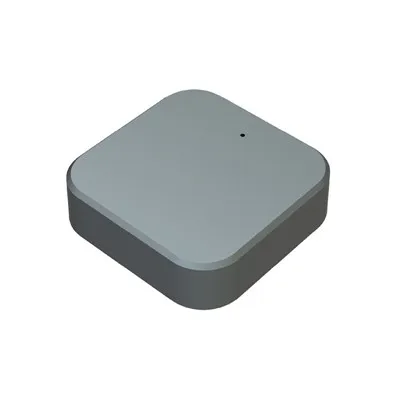
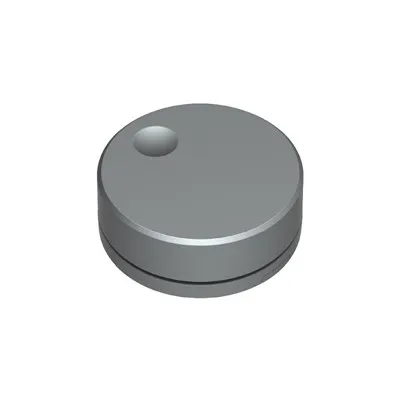
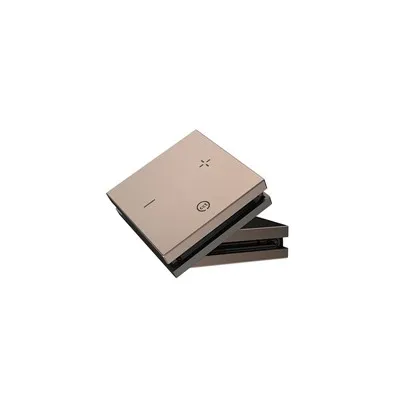
▶Premium-feel body: made from alloy, with rounded curves and a mirror-finish surface.
▶Install wherever you like: with its magnetic, detachable base, there's no need to drill holes, so you can place it anywhere on a desk or wall.
▶Stable signal: 2.4 GHz frequency-hopping wireless solution, offering strong resistance to interference and ensuring consistent, smooth synchronised control of multiple lights.
▶Long battery life: Low-power design, with a CR2032 battery providing up to 3 years of use.
▶Lighting control: When paired with a receiver, it enables multifunctional control of lighting, including switching, dimming and adjusting color temperature.
▶Universal compatibility: Compatible with all types of indoor lighting fixtures, suitable for whole-home smart lighting systems.
Parameters
| Control method | 2.4 GHz wireless |
| Battery | Button cell battery CR2032 |
| Switch size | Φ45mm*15.5mm |
| Base size | 3mm*41mm |
| Reception distance | 10M |
| Trigger method | Short press/Long press |
| Certification | CE, RoHS |
| Warranty | 3 years |
| Model | LP-4010S |
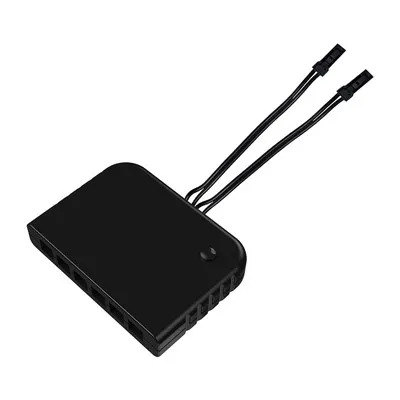
| Compatible receivers | Function |
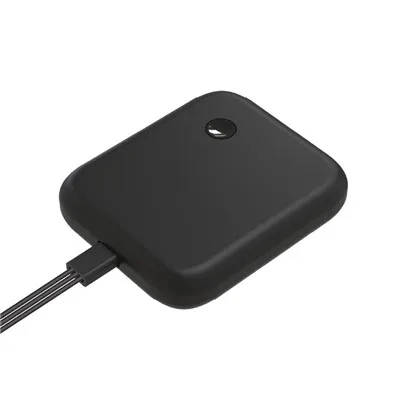
| LP-3020 | On/off,adjust brightness,180W single-color separate control receiver |
| LP-3020BJ | On/off,adjust brightness,centralized control receiver |
| LP-3022 | On/off,adjust brightness,120W single-color separate control receiver |
| LP-3020CW | On/off,adjust brightness,adjust color temperature,120W dual-color-temperature separate control receiver |
| LP-3022CW | On/off,adjust brightness,adjust color temperature,90W dual-color-temperature separate control receiver |
| LP-3024 | On/off,adjust brightness,adjust color temperature,120W 2-in-1 single-color/dual-color temperature (3 wire) receiver |
| LP-3020H | On/off,high-voltage wireless receiver |
Size

Function

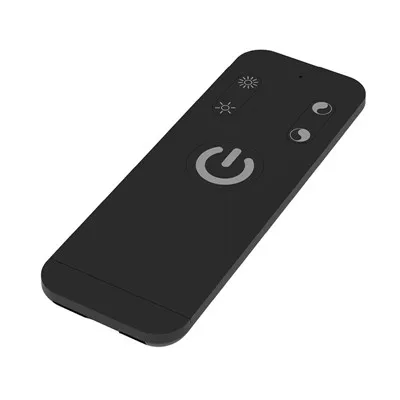
Key 1  Turn the lights on or off; press and hold to adjust the brightness from 10% to 100%.
Key 2  Turn the lights on or off; press and hold to adjust the color temperature.
 Rotate the base cover until the arrow is aligned with the 'Unlock
  ' icon. Remove the back cover to replace the battery.
Installation
Step 1: Peel off the adhesive backing from the base.

Step 2: Attach the base to the surface and fit the switch onto it.

Pairing methods
Note: One switch can control multiple receivers within a range of 10M, but one receiver can be controlled by a maximum of five switches.
Pairing Method 1

1:Press and hold the receiver's pairing button for 1 second;
2:Press the switch key 1 "  " twice. The lights will flash three times to indicate that pairing has been successful.
Pairing Method 2

1:Within 20 seconds of the receiver being powered on.
2:With the wireless switch within 1M of the receiver, press the switch key 1 "  " twice; the lights will flash three times to indicate that pairing has been successful.
△If the lights do not flash, the pairing has failed; please repeat the steps above.
Unpair Methods
Unpair Methods 1

1: Press and hold the receiver's pairing button for 1 second.
2: Press and hold switch key 1 "  " for 10 seconds; the light will flash five times to indicate that the code has been successfully cleared.
Unpair Methods 2

1: Disconnect the power from the receiver, then reconnect it. Within 20 seconds of the receiver being powered on.
2: With the wireless switch within 1 meter of the receiver, press and hold switch key 1 "  " for 10 seconds; the light will flash five times to indicate that the code has been successfully cleared.
△If the lights do not flash, the unpairing has failed; please repeat the steps above.
Hot Tags: wireless metal key switch, China wireless metal key switch manufacturers, suppliers, factory, 2 4GHz Wireless Touch Dimmer Switch, 2.4G Wireless Single Color Temperature Panel Switch, cabinet sensor switch, knob dimmer switch for led, sensitive touch switch, wireless sensor switch