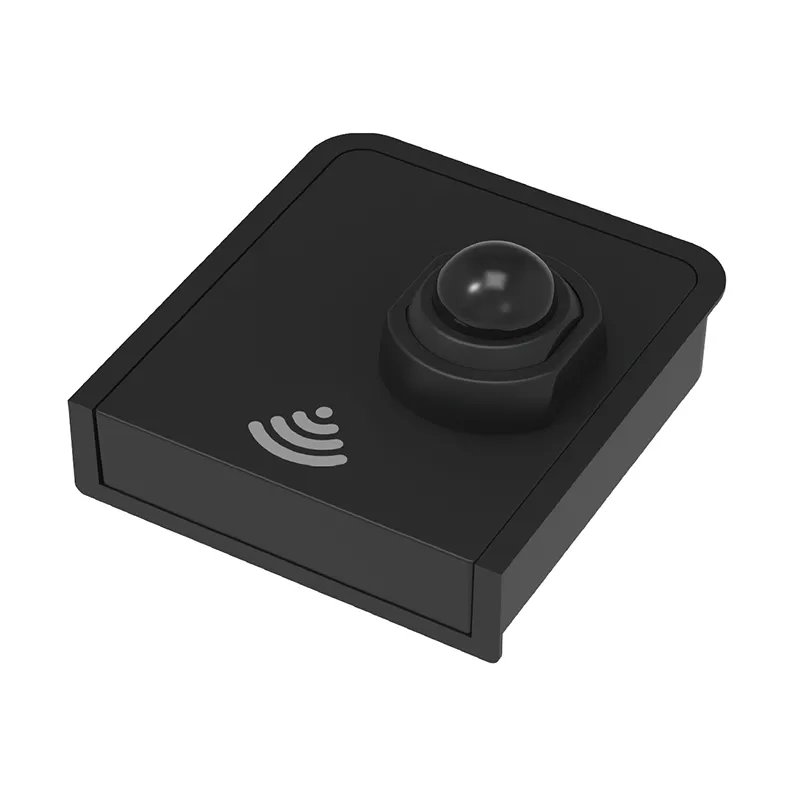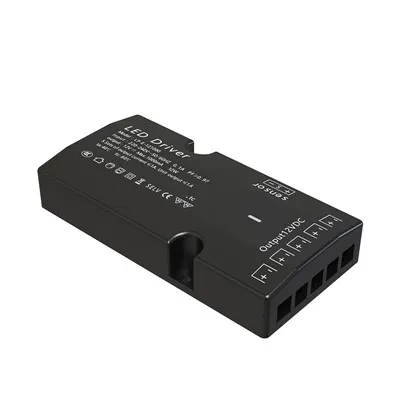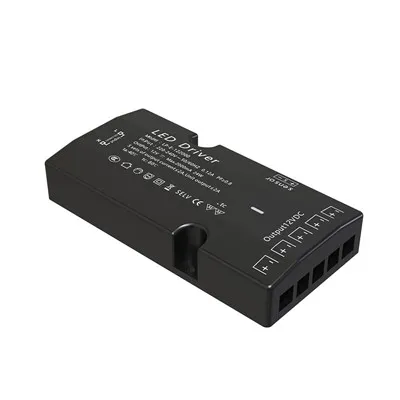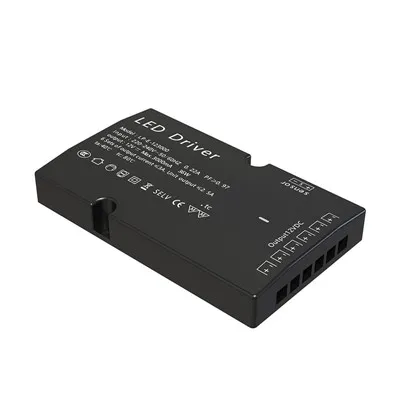

Wireless switches can be configured with different response schemes for four actions: single click, double click, long press, and shake, controlling multiple devices or groups of devices. The shake action can sensitively detect and issue control commands. Wireless switches can also be used as doorbells or alarms; when paired with a corresponding gateway and affixed to the outside of the door, they can achieve customized ringtones or audible and visual alarms in case of emergencies, as well as remote push notifications to mobile phones.
Some complex settings cannot be directly implemented in the app and require the Automation Geek Edition. Its implementation idea is to perform an operation based on the number of times the switch is pressed within a specific time, using conditional judgments and custom states to distinguish the number of presses. This logic takes effect when the wireless switch's operation mode is set to high-speed mode and does not support long presses or simultaneous presses.
When setting up a smart switch to control smart lights via the app, the physical switch must first be converted to wireless functionality in the app. Then, enter the smart automation settings, add trigger conditions, select the switch, and set different actions for single click, double click, or long press. For example, a single click can be set to turn the light on/off, and a double click to switch the color temperature.
Wireless scene switches use a magnetic design; they can be installed simply by pasting. Each button can achieve single click, double click, and long press control. When paired with certain ceiling lights, it enables direct light control without a gateway. The switch requires no wiring and easily allows for dual or multi-control functionality. To set it up, place it in the desired location, open Aqara Home, bind the gateway, and create an automation in the app. A communication distance of less than 20 meters is recommended, with no more than two walls in between.