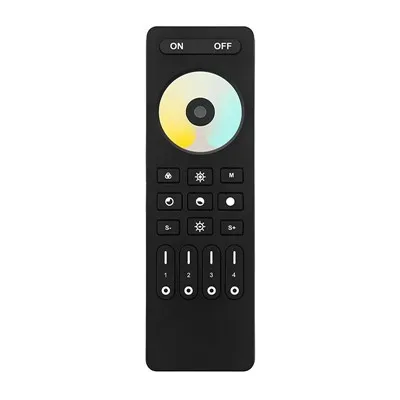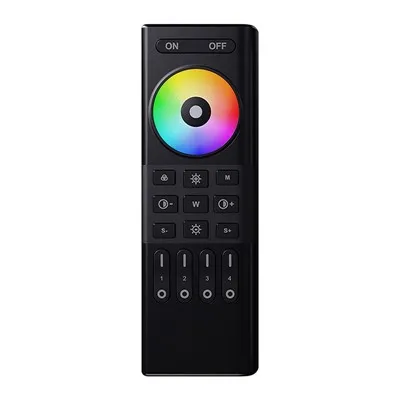

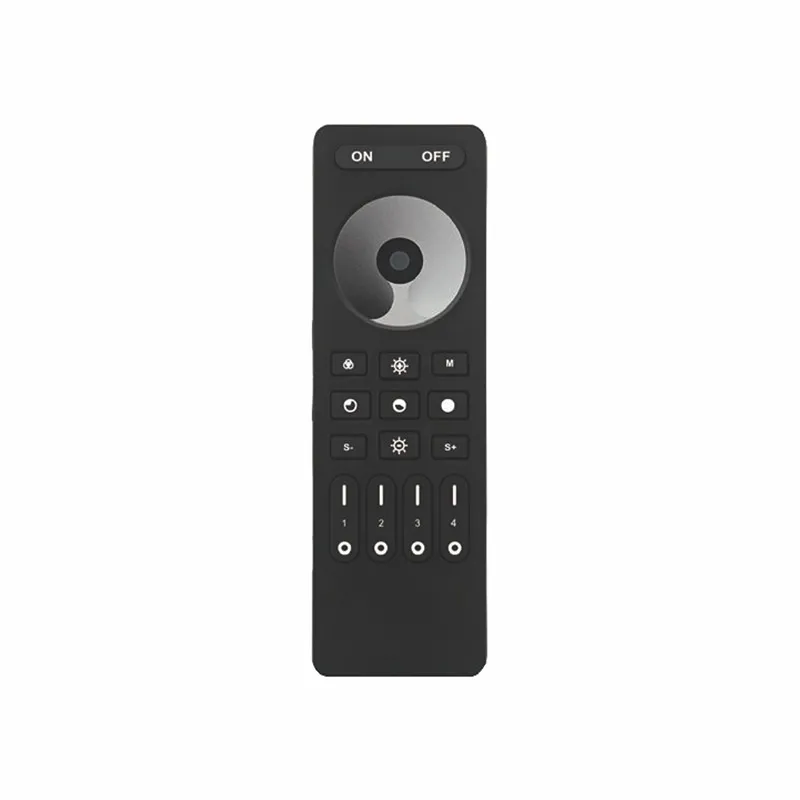


Description
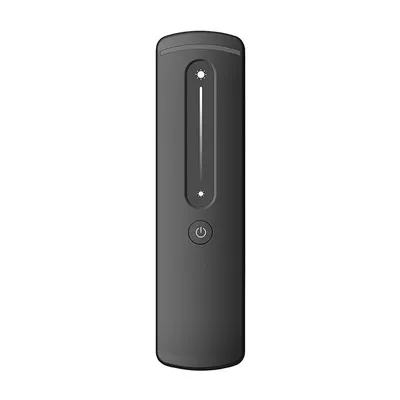
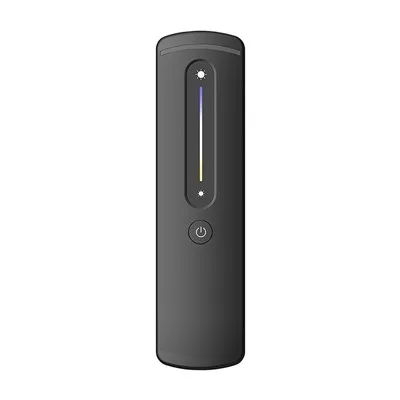
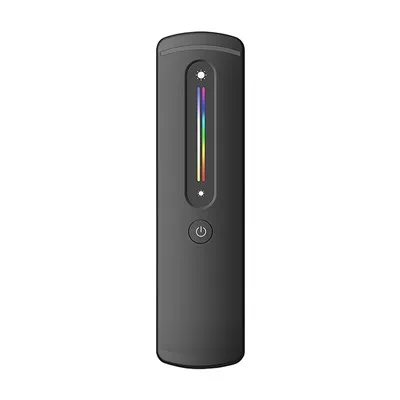
This 4-Zone dimming remote control adopt world-wide used 2.4GHz frequency, GFSK control method, with the features of low power consumption, 30m long distance transmitting, strong anti-interference and fast communication rate. It can control our 2.4 GHz LED controllers and adjust the brightness of the connected lights.
Parameters
|
Product Name |
4-Zone Dimming Remote Control |
|
Working voltage |
3V(AAA *2PCS) |
|
Standby Power Consumption |
15uA |
|
Working Current |
15mA MAX |
|
Transmitting Power |
6dBm |
|
Transmission Frequency |
2400-2483.5Mhz |
|
Modulation Method |
GFSK |
|
Working Temperature |
-10~60°C |
|
Control Distance |
30M |
|
Model |
RC01RFB |
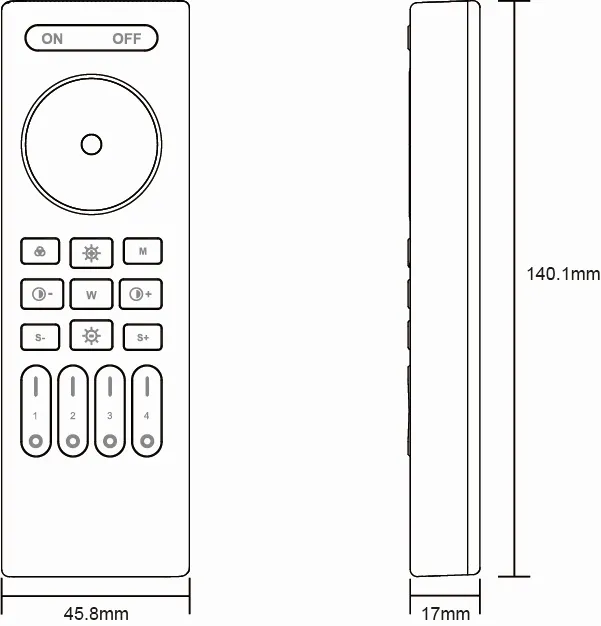
Size
Button Instruction
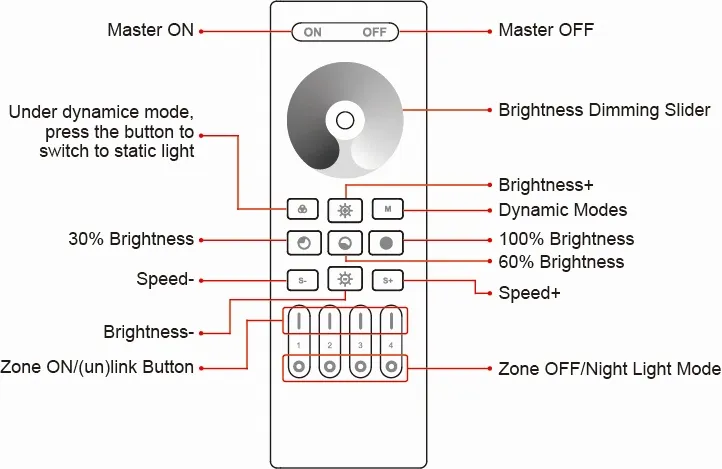

Press the button to turn ON all linked device.

Press the button to turn OFF all linked devices.

Touch the slider to dim the brightness from 1%-100%.

Under dynamic mode, press the button to switch to static light.

Press the button to switch the dynamic modes repeatedly.

Press the button to increase the brightness.

Press the button to reduce the brightness.

Press the button to get the 30% brightness.

Press the button to get the 60% brightness.

Press the button to get the 100% brightness.

Lower the dynamic mode speed.

Accelerate the dynamic mode speed.
Linking Instruction
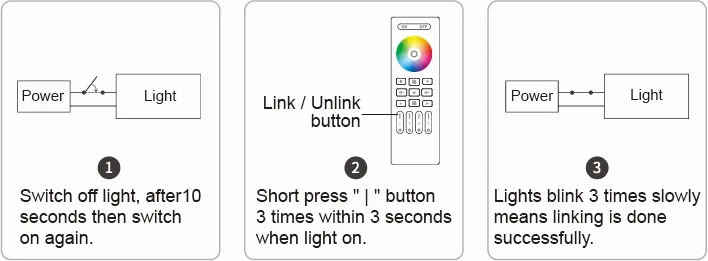
①Switch off light, after10 seconds then switch on again.
②Short press " | " button 3 times within 3 seconds when light on.
③Lights blink 3 times slowly means linking is done successfully.
▲Linking failed if light is not blinking slowly, please follow above steps again.(Note: Light that have linked can't link again)
Unlinking Instruction
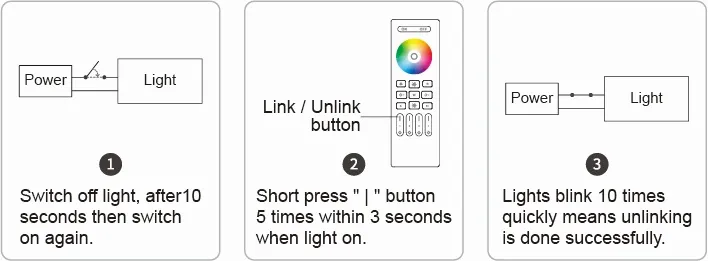
①Switch off light, after 10 seconds then switch on again.
②Short press " | " button 5 times within 3 seconds when light on.
③Lights blink 10 times quickly means unlinking is done successfully.
▲Unlinking failed if light is not blinking quickly, please follow above steps again.(Note: Light haven't linked that don't need to unlink)
Group Control
You can add an endless numbers of lights to a zone on the 4 channel remote by linking the lights to different zones. This way you are completely flexible in creating different group combinations.
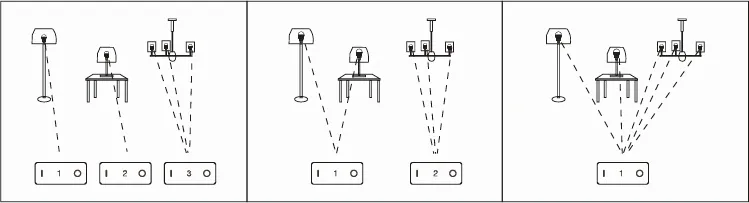
Remark:
①The user can re-programme freely as needed. One remote can control countless lamps or controllers, but one lamp or controller can only be controlled by five remotes (Max).
②Please check the battery installation and controller (totally discharge the power),when you programme after switching off and switching on.
Hot Tags: 4-zone dimming remote control, China 4-zone dimming remote control manufacturers, suppliers, factory